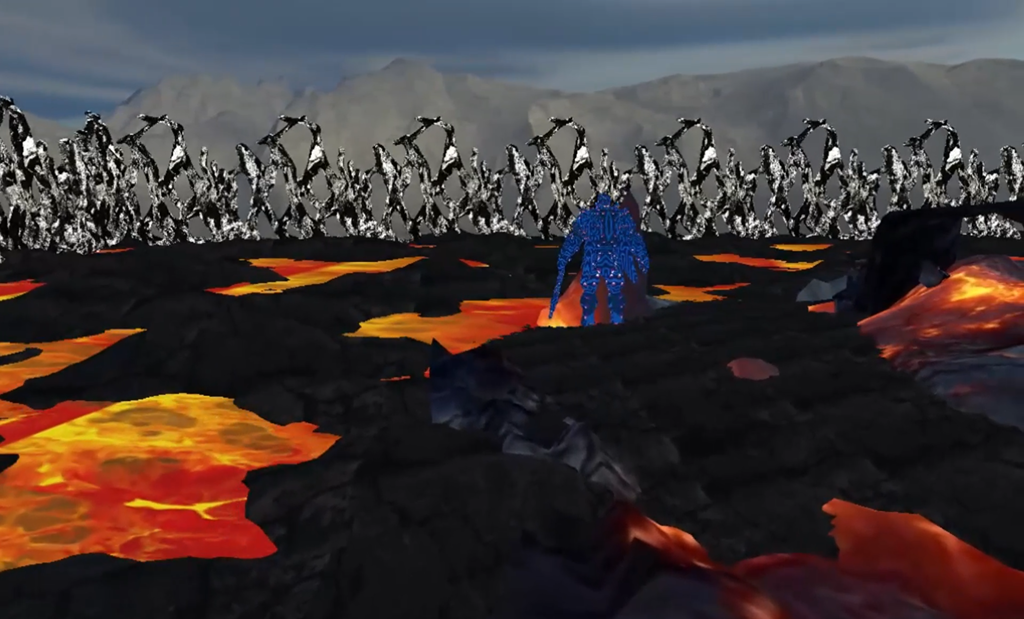

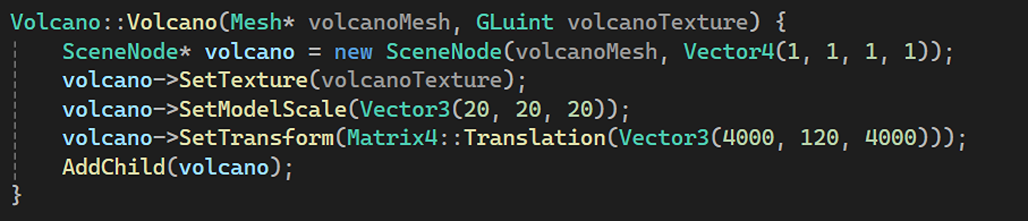


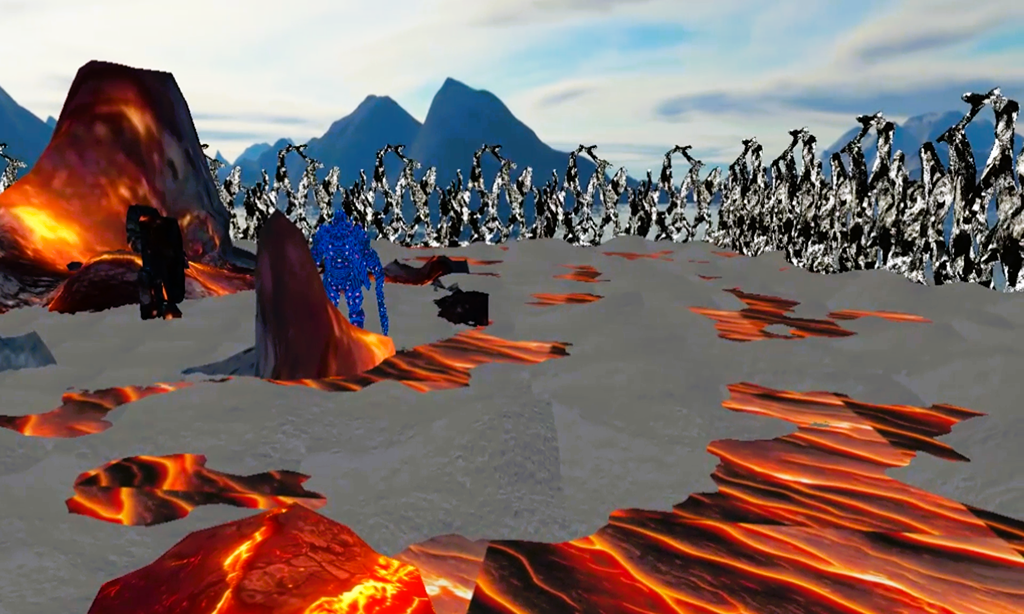
Matrices
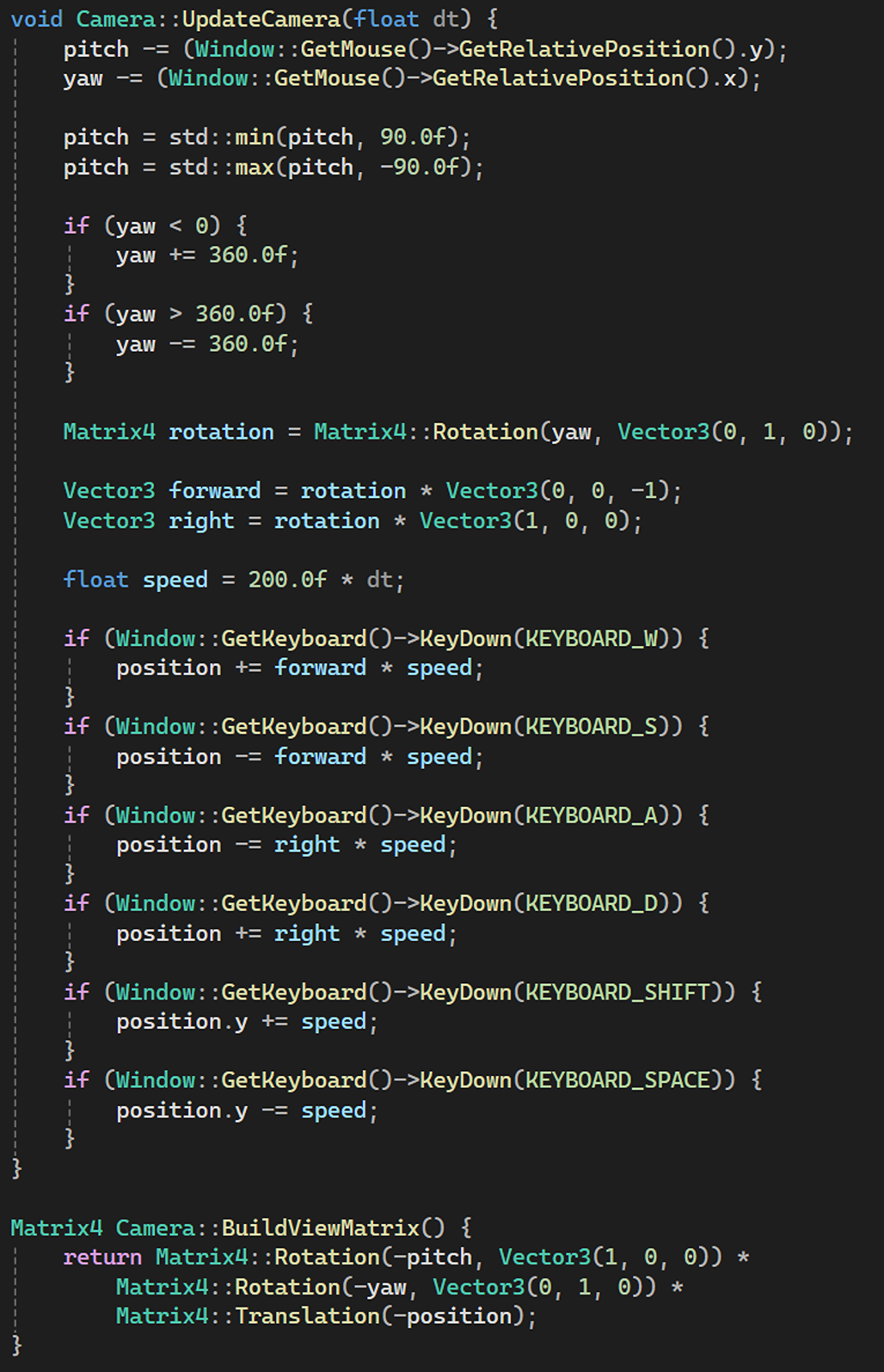
View matrix is simply created using the inverse of the camera’s yaw and rotation.
Projection matrix has been set up in this way:

Then, I used the model matrix to scale the heightmap:

Texture Mapping
Firstly, I loaded all the textures using the SOIL library.
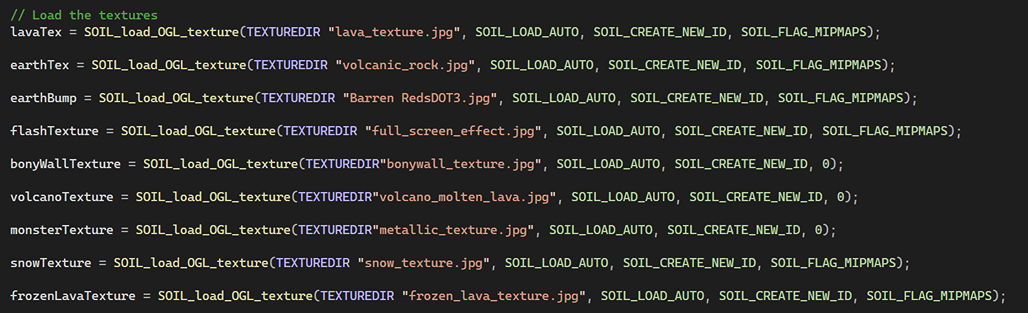
Then, I assigned the texture to the model I wanted to.
Scene Graph and Scene Management
Firstly, I created a SceneNode. I defined a rootNode using this SceneNode and all the objects in the scene are childrens of this rootNode.
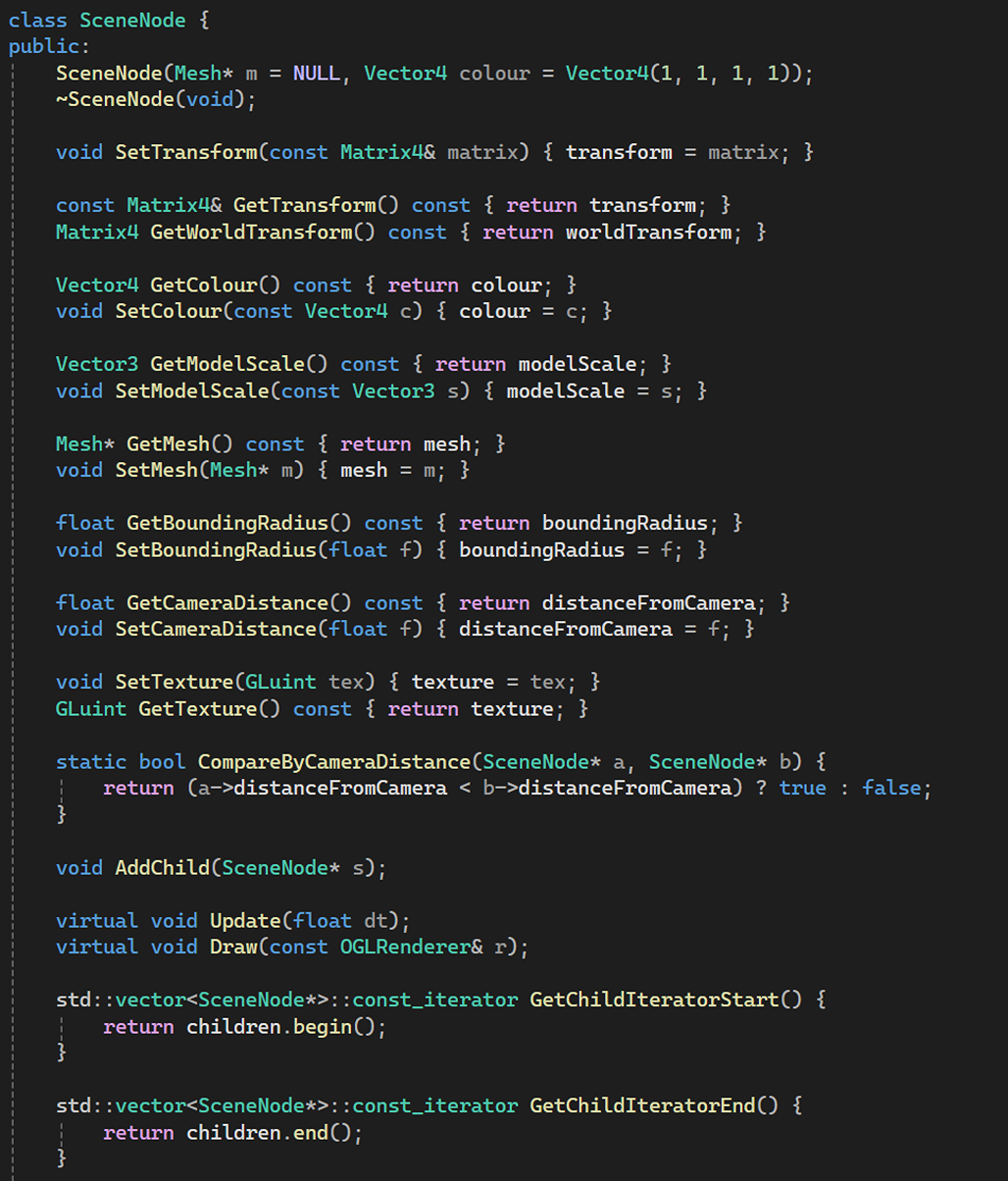
Then, I created some helper functions like AddChild, Draw, as well as Update.
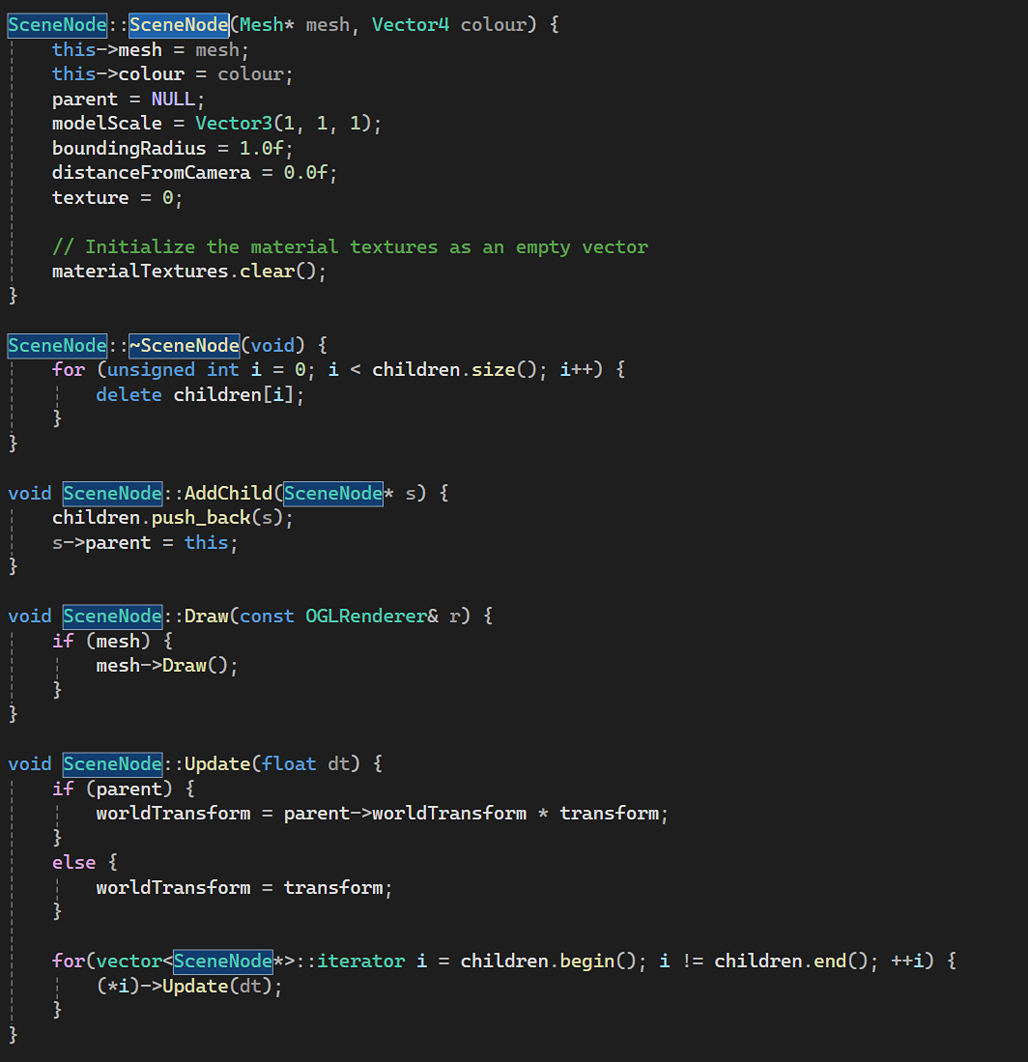
Finally, I created a SceneNode defined as rootNode and all the objects in the scene are child of this rootNode.
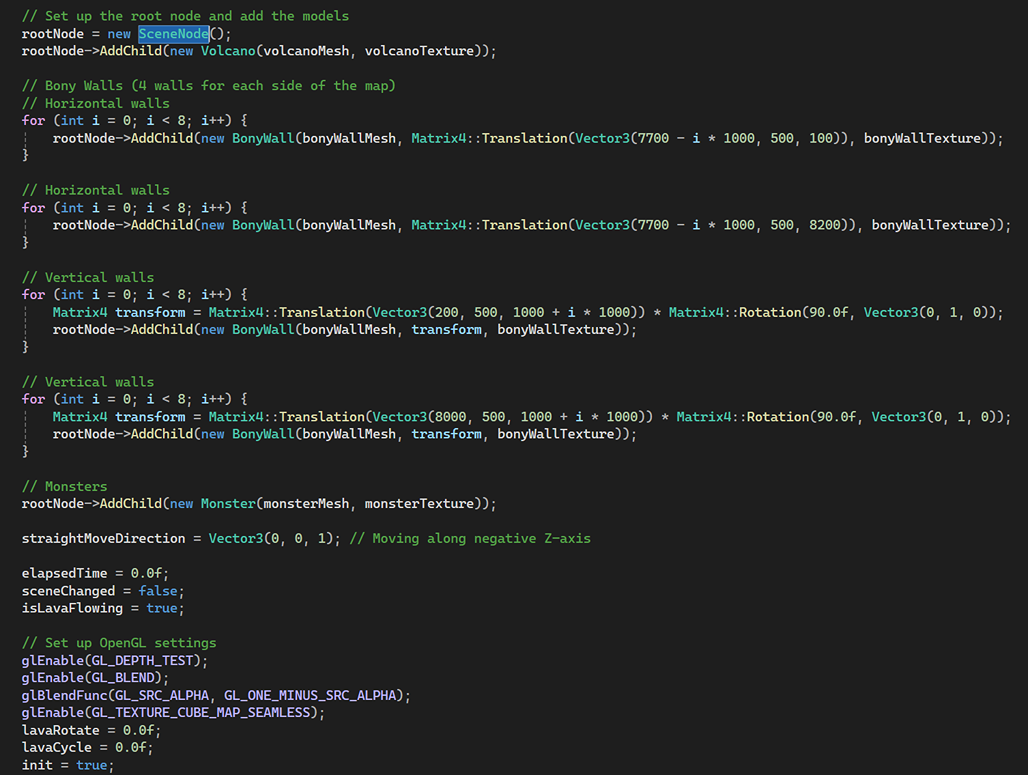
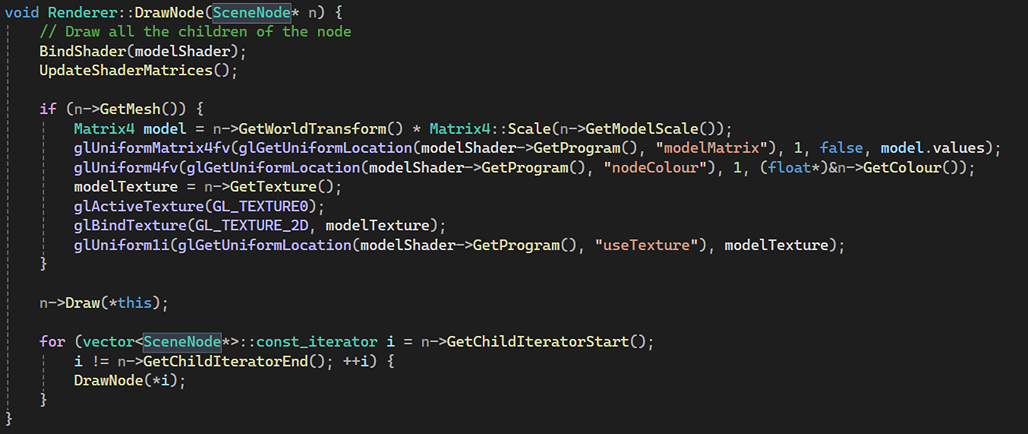
One last but not the least step is to draw these nodes, so they are rendered onto the screen.
Index Buffers
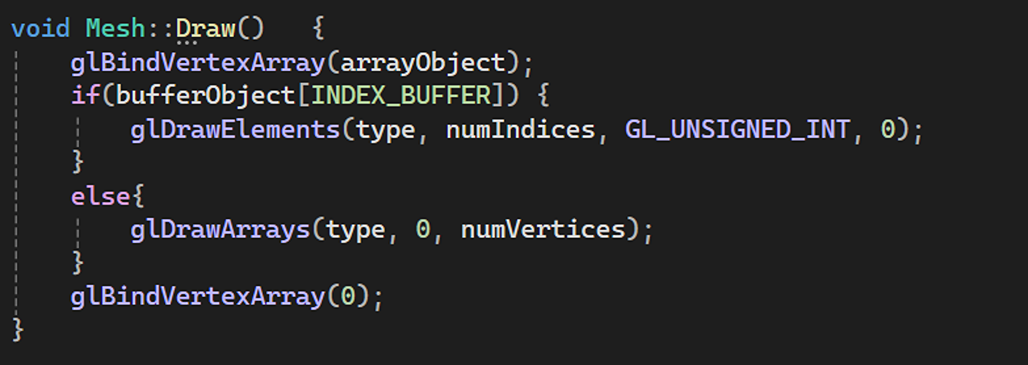
This is how I used the Index Buffer. There is the traditional method as well using the vertices as an if else condition because not all kinds of geometry could be rendered using Index Buffers.
Skeletal Animation
Yet to be updated
Post Processing
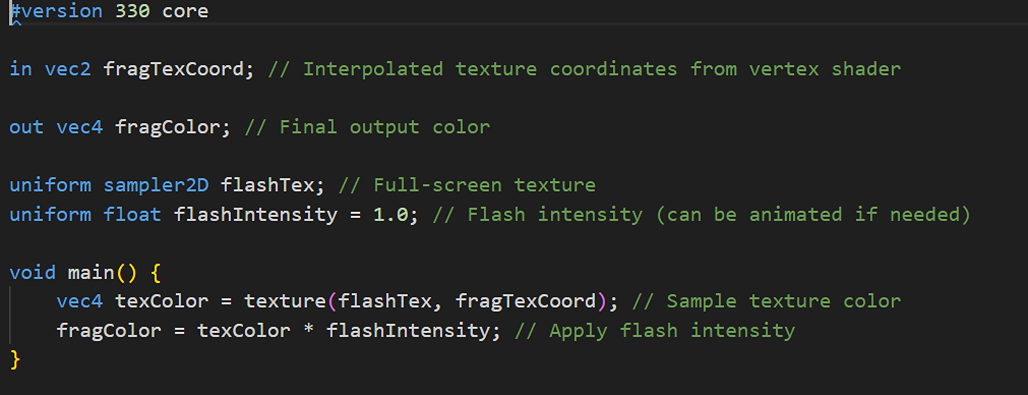
I created a flash effect using a simple shader that just renders the image as a quad onto the screen for a few seconds:
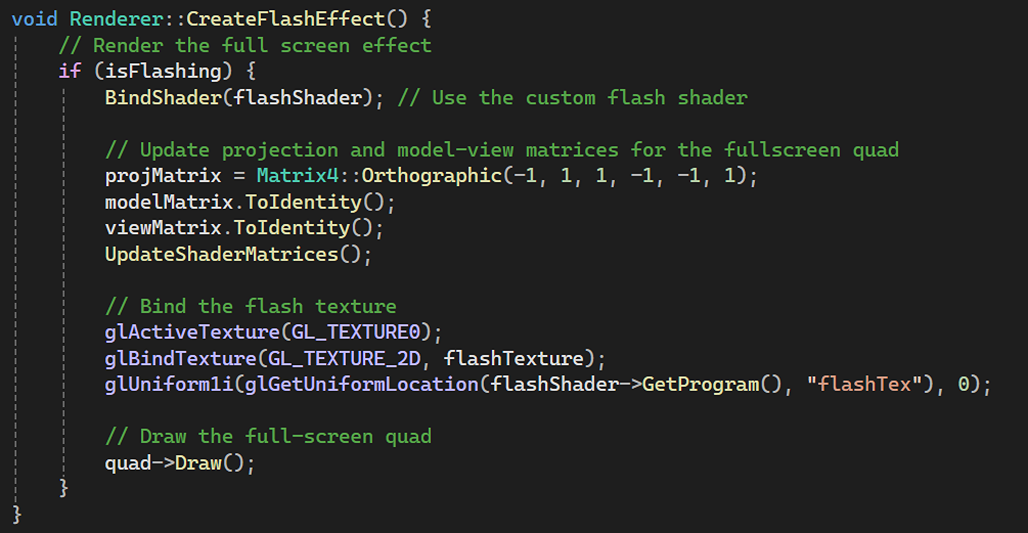
Then, I used the shader to draw a quad onto the screen:
Real-Time Lightning
In terms of lightning, I didn’t do much, there’s just one light for the entire scene. No lights have been baked in this project.

Cube Mapping
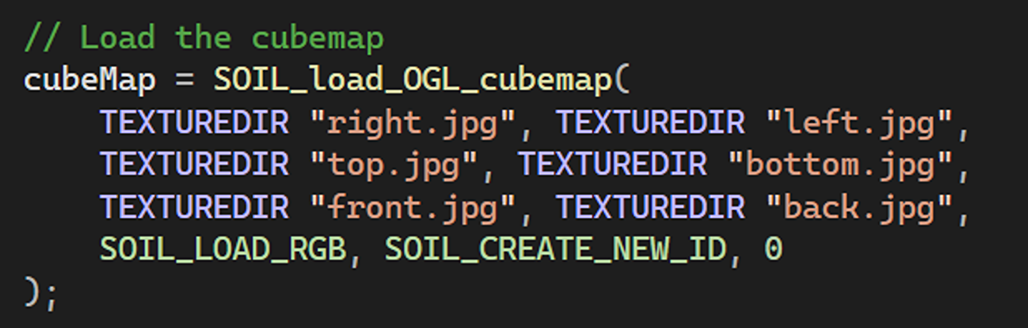
I used SOIL to load the various faces of the cubemap:
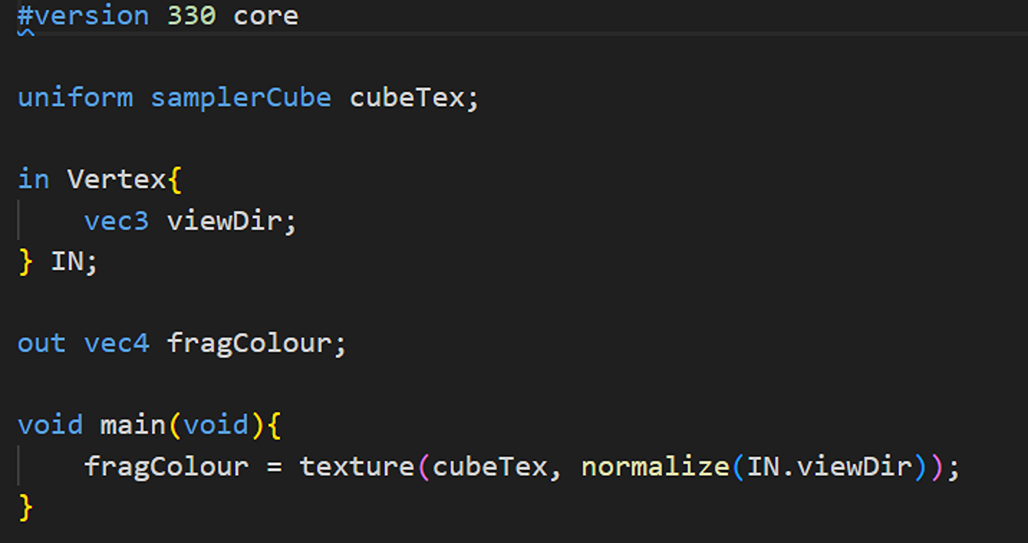
Then I used the skybox shader to draw the skybox. This is the skybox shader:
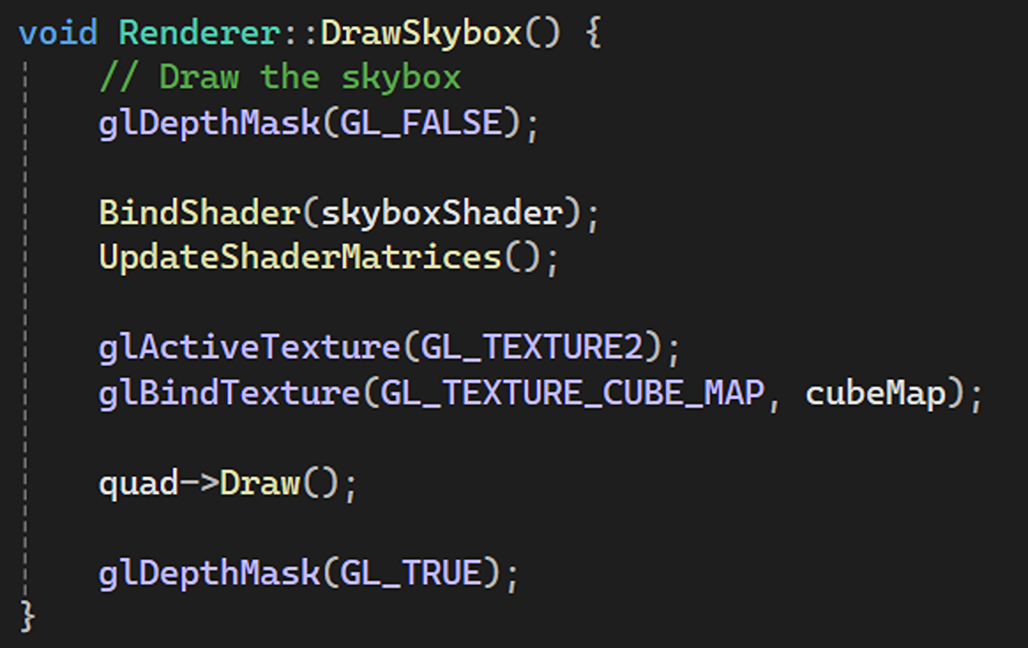
This is how I binded the skybox shader and the cubemap texture and use it to draw the skybox:
Shadow Mapping
Yet to be updated
Deferred Rendering
Yet to be updated